Strip the location data from your photos before you post
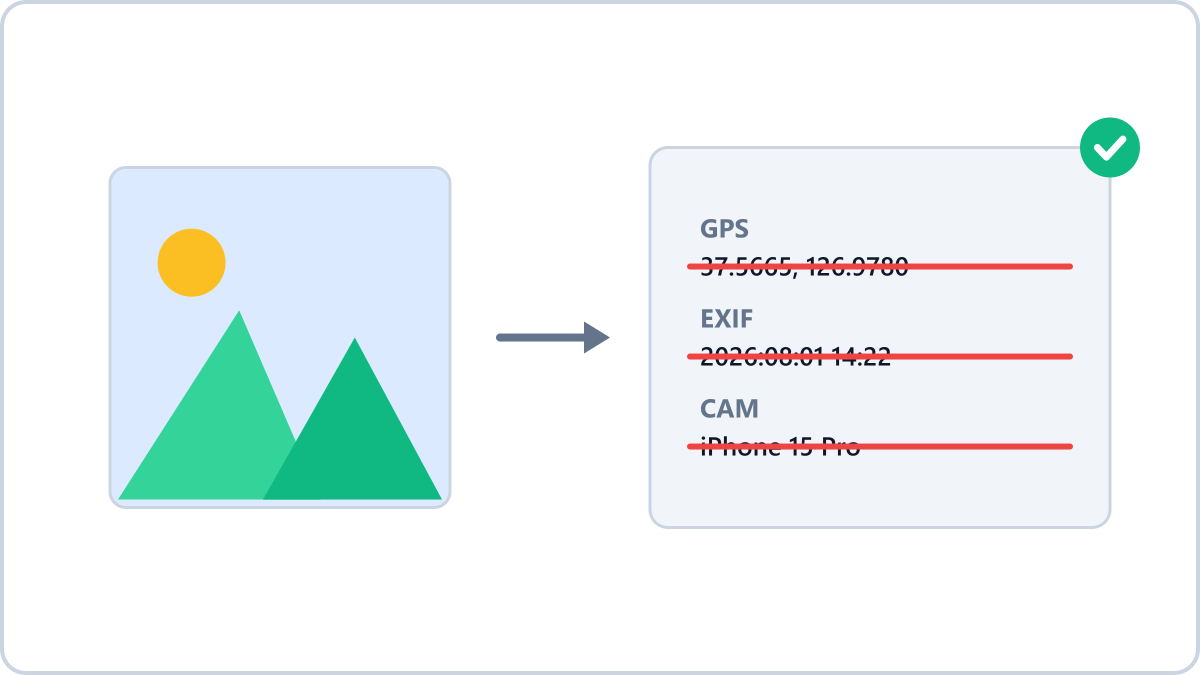
Photos carry information you cannot see
Photos taken on a phone are saved with metadata called EXIF. It includes the date and time, the device model and — if location services were on — the GPS coordinates.
Those coordinates are precise enough that pasting them into a map app takes you straight to where the photo was taken.
When is this risky?
- Selling secondhand — coordinates on a photo taken at home are effectively your home address
- Social media — the locations in your everyday photos map out where you live and go
- Property or vehicle listings — you reveal where the item is kept
Strip private metadata — GPS coordinates, camera model, capture date — before posting photos to social media or the web.
Remove metadataNo install, no signup · runs in your browser, so files are never sent to a server
Checking whether your photos carry location data
On Windows, right-click the photo → Properties → Details tab and look for the GPS entries. On an iPhone, swipe up on a photo and the capture location appears with a map.
Messaging apps often strip metadata when sending, but turning on any 'send original' option can pass the EXIF data through intact.
The simplest way to remove it
The Image Converter NOW metadata remover produces a copy with the GPS, device and timestamp information stripped out. The whole process runs inside your browser and your photo is never sent to a server, so it is safe to use even for sensitive images.
Strip private metadata — GPS coordinates, camera model, capture date — before posting photos to social media or the web.
Remove metadataNo install, no signup · runs in your browser, so files are never sent to a server