Merging PDFs without uploading them
The documents people merge are usually sensitive
The moments that call for merging a PDF are fairly predictable: an application plus its evidence, a bank statement, a scan of an ID card, a medical certificate, a contract plus its annexes. One line on a form — “submit as a single file” — gathers your most sensitive paperwork into one place.
With holiday photos, where the processing happens hardly matters. With a bank statement it does. That is why “where does this run?” is a much heavier question for PDFs than for pictures.
The popular services upload first and delete later
Most online PDF services send your file to their own servers to process it. They are not hiding it either — some state in their help pages that files are handled in their cloud and removed automatically after a set time. Even when that promise is kept, your file spends that time outside your device.
On a corporate network it is often blocked outright. In plenty of workplaces, uploading a contract to an outside website is itself a policy violation.
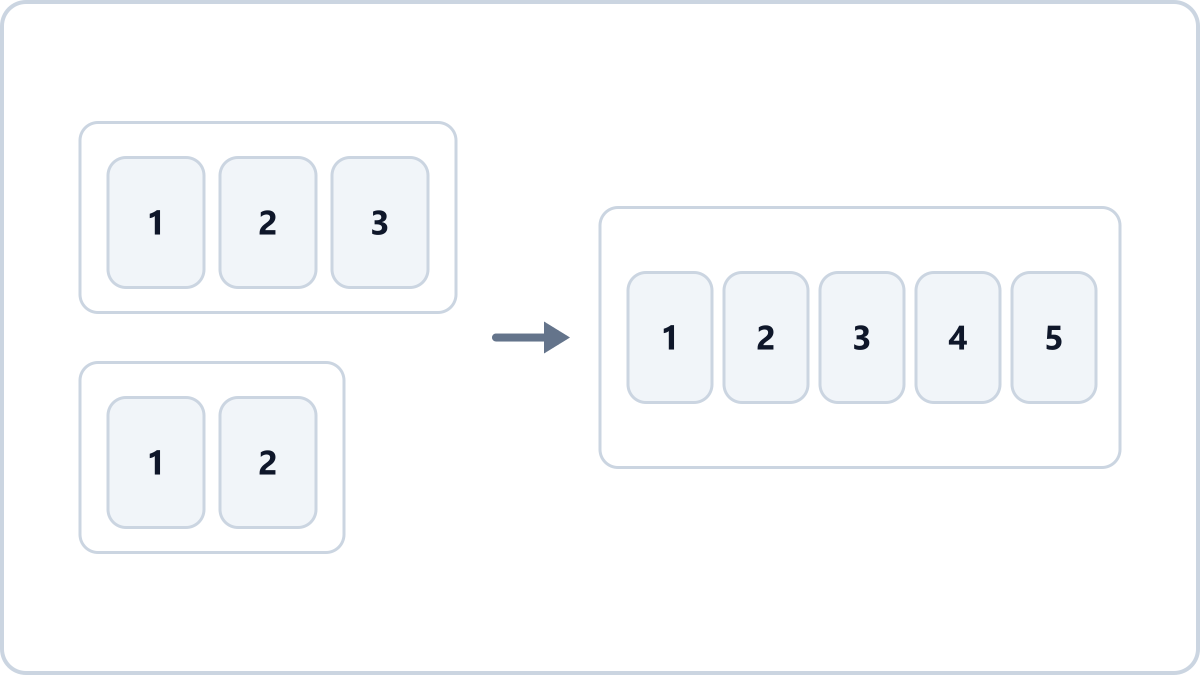
Join several PDFs into one, or take just the pages you need. The files never leave your device and the text stays selectable.
Merge and split PDFsNo install, no signup · runs in your browser, so files are never sent to a server
Merging inside the browser
Modern browsers can work with PDFs directly. The PDF merger on Image Converter NOW joins the files inside your browser rather than sending them anywhere. Nothing is uploaded, so there is no deletion to wait for — and it works on a plane with no connection at all.
Because the original pages are copied as they are, text and fonts survive. Had the pages been re-baked into images, merging would have quietly turned your document into something you cannot search or copy from.
What else it does
- Reorder — the arrows in the list move a file up or down, and that is the order you get
- Split — add a single file and type something like “1-3” in the page box to get a PDF of just those pages
- Pick pages — typing “3,1” takes them in the order you wrote, so you can rearrange pages too
- Password-protected PDFs cannot be opened — remove the password in the program that made it first
Join several PDFs into one, or take just the pages you need. The files never leave your device and the text stays selectable.
Merge and split PDFsNo install, no signup · runs in your browser, so files are never sent to a server