Why converting GIF to WebP is worth it
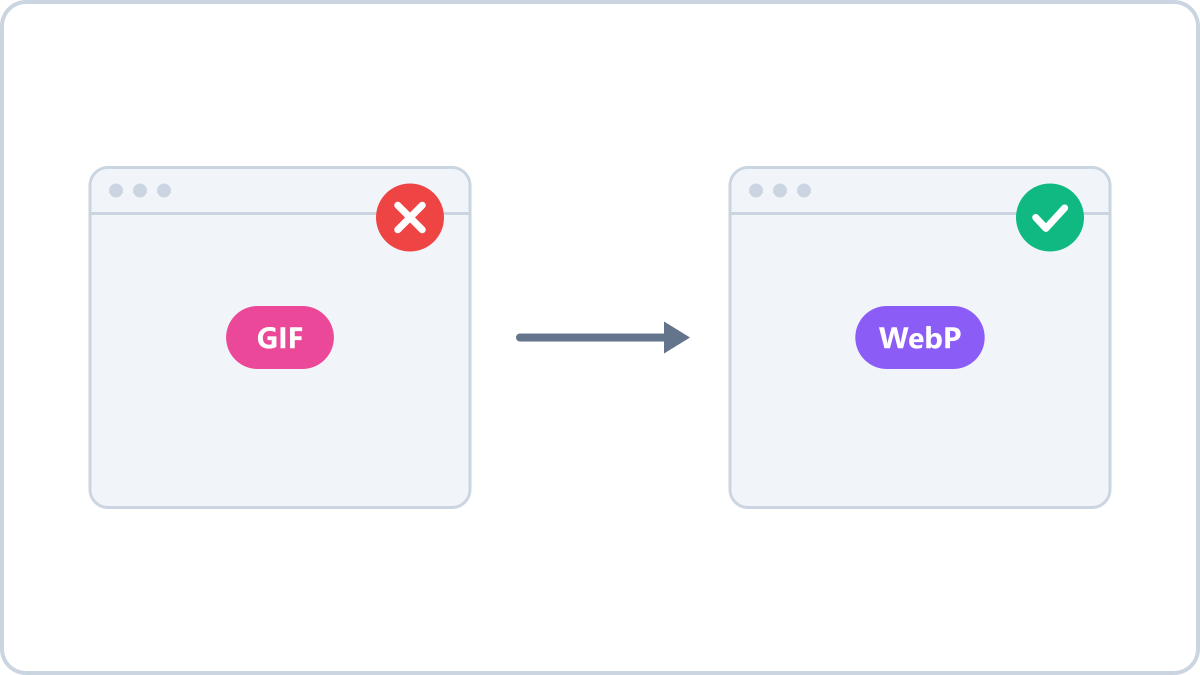
GIF is nearly 40 years old
GIF was created in 1987. It can only represent 256 colours, so photos and gradients break into visible bands, and its compression is inefficient, so files are large. It survived anyway on the strength of one thing: it plays everywhere.
What changes when you convert to WebP
- Colour — the 256-colour ceiling disappears and the original colours come back
- File size — often several times smaller for the same image
- Transparency — GIF's transparency is preserved, and partial transparency becomes possible
Convert GIF images to WebP and cut the file size sharply. This tool handles still images; animations are handled by our animation tool.
Convert GIF to WebPNo install, no signup · runs in your browser, so files are never sent to a server
When to leave it as a GIF
If it has to go into a very old system, or a forum or messenger that does not support WebP, GIF is the safe choice. Compatibility is its one advantage — keep it where that advantage is the thing you need.
What to know before converting
In Image Converter NOW, a static GIF converts to WebP with its colours and transparency intact. Animated GIFs go through the animated GIF tool instead, which shrinks the dimensions and file size while keeping the frames.
Convert GIF images to WebP and cut the file size sharply. This tool handles still images; animations are handled by our animation tool.
Convert GIF to WebPNo install, no signup · runs in your browser, so files are never sent to a server