Working with the TIFF files your scanner produces
What is a TIFF?
TIFF is a high-quality image format used by scanners, fax machines and the printing and publishing industry. It supports lossless storage and multiple pages in a single file, but the files are very large and often will not open directly in a web browser or an ordinary image viewer.
When do you need to convert?
- Sending a scanned document by email or messenger (a file size problem)
- Placing it on a website or in a document (a compatibility problem)
- Opening it on a phone
Convert JPG, PNG, WebP, HEIC and AVIF images into the format you need. Everything is processed in your browser, so files never leave your device.
Convert TIFF to JPGNo install, no signup · runs in your browser, so files are never sent to a server
JPG or PNG?
Photos and colour scans shrink dramatically when converted to JPG. Text-heavy document scans keep their letter edges crisper as PNG.
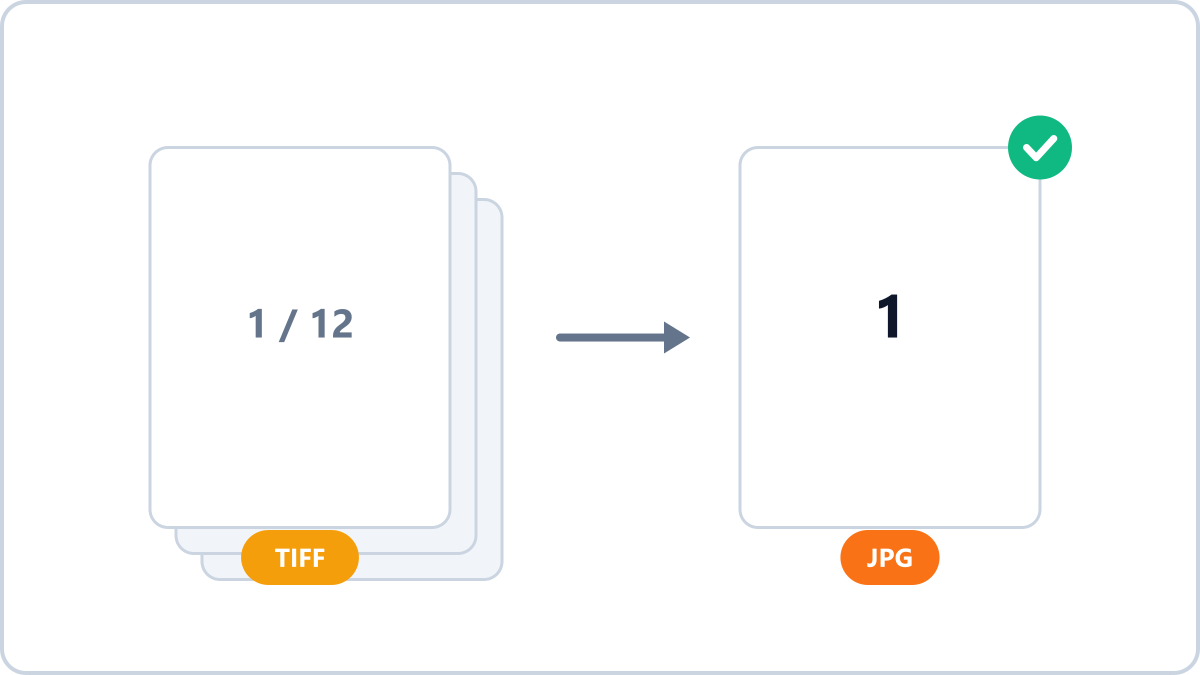
Image Converter NOW converts TIFF right in your browser, and for multi-page TIFFs it converts the first page and tells you so before you start.
All the more reason to process sensitive documents in-browser
Scanned files are often sensitive — contracts, identity documents and the like. Image Converter NOW never sends your file to a server and processes everything inside your own browser, so you can convert them without the exposure that comes with uploading documents to an online service.
Convert JPG, PNG, WebP, HEIC and AVIF images into the format you need. Everything is processed in your browser, so files never leave your device.
Convert TIFF to JPGNo install, no signup · runs in your browser, so files are never sent to a server