Profile picture sizes, all in one place
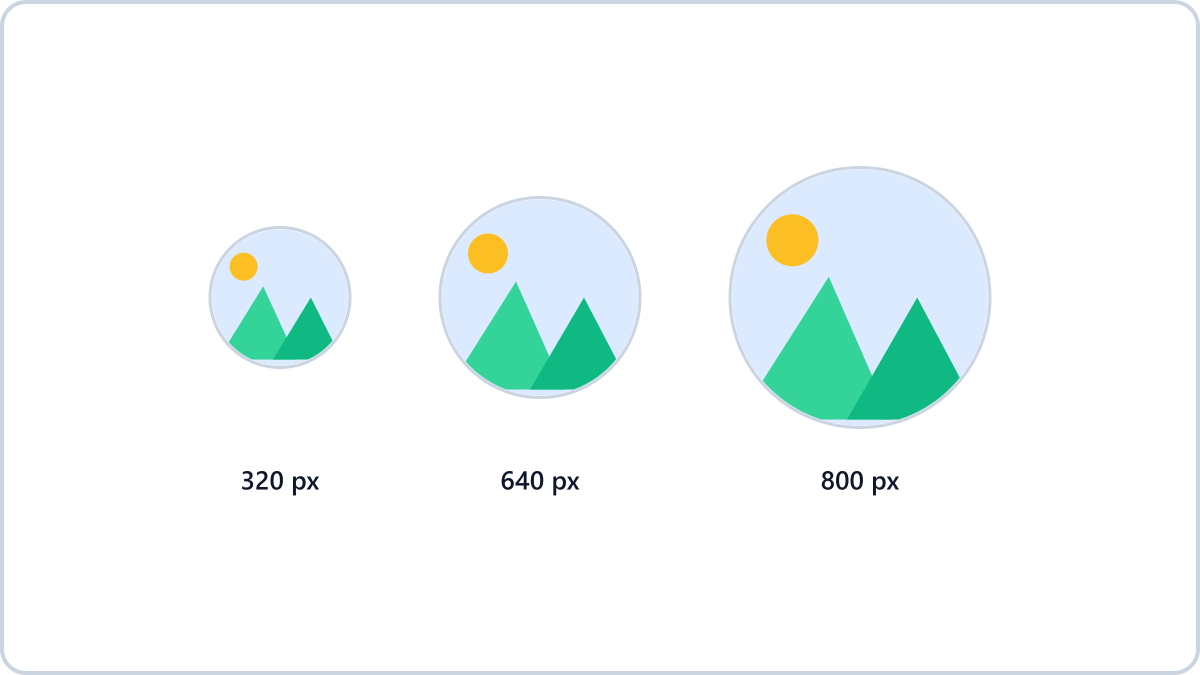
Recommended sizes by service
- Instagram — 320x320 (uploaded square, displayed as a circle)
- YouTube — 800x800
- LinkedIn — 400x400 or larger
- X (Twitter) — 400x400
- KakaoTalk — square, 640x640 or larger
- Universal tip — make one square 1000x1000 image and it covers almost everything
Assume it will be cropped into a circle
Most services take the square image you upload and display it as a circle. The four corners get cut off, so keep the important part — a face, a logo — in the centre and leave some margin around the edges.
Resize images by entering a width or height, scaling by percentage, or picking a social media preset. The format can stay exactly as it was.
Resize your profile pictureNo install, no signup · runs in your browser, so files are never sent to a server
Convert straight to each platform's size — all size presets →If it looks blurry
Enlarging a small original to meet a larger spec makes it blurry. Letting the service scale a large photo down, on the other hand, is fine — so prepare a square image larger than the recommended size.
Choosing the 1080x1080 preset in Image Converter NOW fits your image to a square while keeping its proportions, and warns you about quality loss if the result would be larger than the original.
Resize images by entering a width or height, scaling by percentage, or picking a social media preset. The format can stay exactly as it was.
Resize your profile pictureNo install, no signup · runs in your browser, so files are never sent to a server
Convert straight to each platform's size — all size presets →