Social media image sizes, all in one place
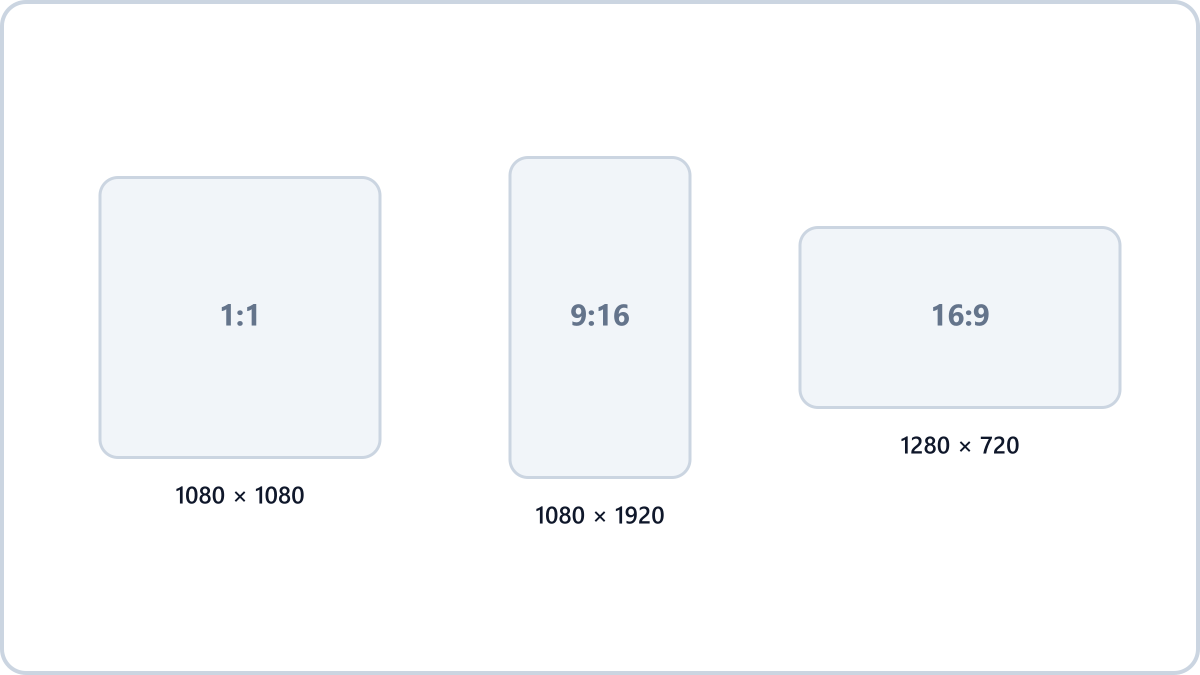
- Square feed post — 1080x1080
- Portrait feed post — 1080x1350 (recommended; it fills more of the screen)
- Stories and Reels — 1080x1920
YouTube
- Thumbnail — 1280x720 (under 2MB)
- Channel art — 2560x1440 (safe area in the centre is 1546x423)
Resize images by entering a width or height, scaling by percentage, or picking a social media preset. The format can stay exactly as it was.
Resize with a presetNo install, no signup · runs in your browser, so files are never sent to a server
Convert straight to each platform's size — all size presets →Blogs and websites
- Featured/sharing image — 1200x630 (the Facebook and messenger preview size)
- In-article images — twice the column width (usually around 1600px)
The fastest way to match a size
The Image Converter NOW resize tool has all of the sizes above ready as presets. The aspect ratio is kept by default so your image is never squashed, and you get a quality warning if a setting would enlarge the image beyond its original size.
If the same image is going to several platforms, make it at the largest size (1080x1350, say) and let each platform scale it down — that gives the better result.
Resize images by entering a width or height, scaling by percentage, or picking a social media preset. The format can stay exactly as it was.
Resize with a presetNo install, no signup · runs in your browser, so files are never sent to a server
Convert straight to each platform's size — all size presets →