Favicon sizes: which files you need, and at what px
Why are there so many favicon files?
A favicon is your site's small icon — in the browser tab, the bookmarks list, search results and on phone home screens. It's the face of your site; without one, a site feels unfinished.
The catch is that each of those places wants a different size and format. So a favicon isn't one file — it's a small set of them.
The set you need
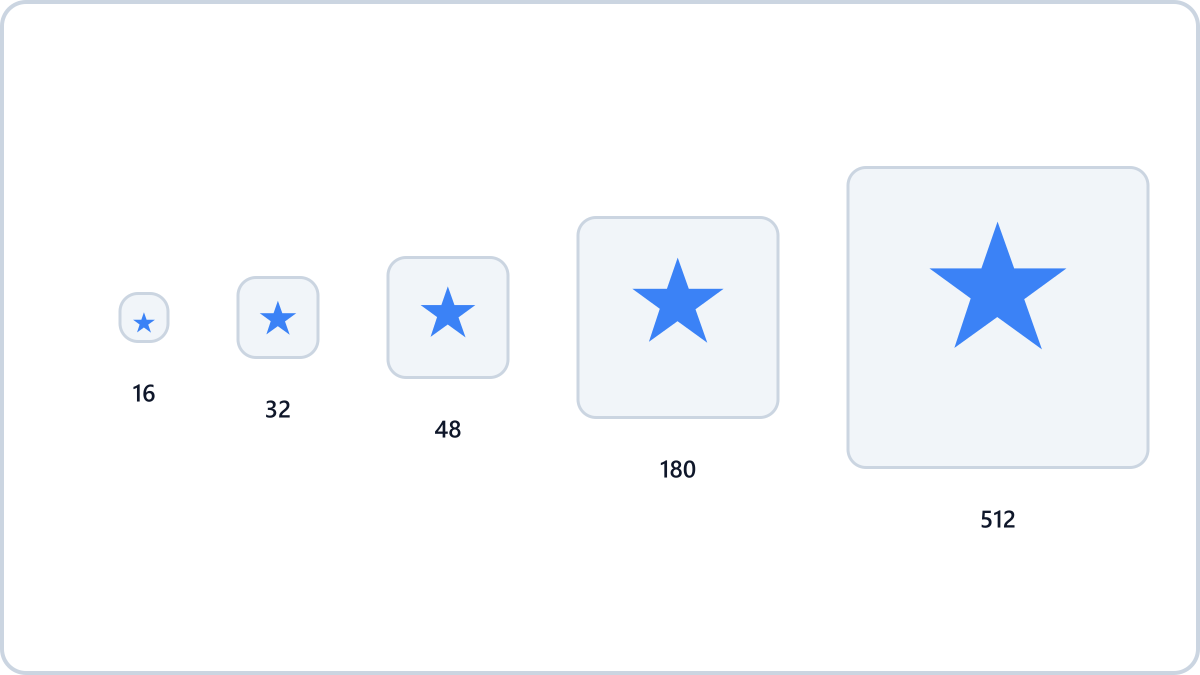
- favicon.ico — 16, 32 and 48px packed into one file. Used by the address bar, tabs and bookmarks; the oldest standard and still essential
- PNG at 16px and 32px — the sharper versions modern browsers use in tabs
- apple-touch-icon at 180px — used when someone adds your site to an iPhone or iPad home screen
- PNG at 192px and 512px — for Android home screens and PWA installs, registered in site.webmanifest
Drop a logo and get favicon.ico, Apple touch icon and PWA icons in one ZIP, plus the HTML to paste into your site. It all happens inside your browser.
Generate a full favicon setNo install, no signup · runs in your browser, so files are never sent to a server
How to prepare the source image
Start from a large square image (512px or more) and scale down. Enlarging a small image only makes it blurry.
It has to stay recognisable at 16px, so simpler is better. A single symbol beats a wordy logo, a little margin around the edges keeps it from feeling cramped when tiny, and a transparent background looks right in both light and dark themes.
Adding them to your HTML
Upload the files to your site's root folder and point to them with link tags in the head: rel="icon" for the ICO and PNGs, rel="apple-touch-icon" for the 180px icon, and rel="manifest" for site.webmanifest.
As a fallback, most browsers will find a favicon.ico placed at the site root even without any tags. But to get the sized PNGs and home-screen icons working properly, add the tags.
Don't build the set by hand
Resizing image after image and packing an ICO by hand is tedious. Drop one image into Image Converter NOW's favicon generator and it produces favicon.ico, every PNG size, site.webmanifest and the ready-to-paste HTML tags in a single ZIP.
Everything runs in your browser — your logo is never uploaded to a server.
Drop a logo and get favicon.ico, Apple touch icon and PWA icons in one ZIP, plus the HTML to paste into your site. It all happens inside your browser.
Generate a full favicon setNo install, no signup · runs in your browser, so files are never sent to a server