Product photos for online stores: sizes and file sizes
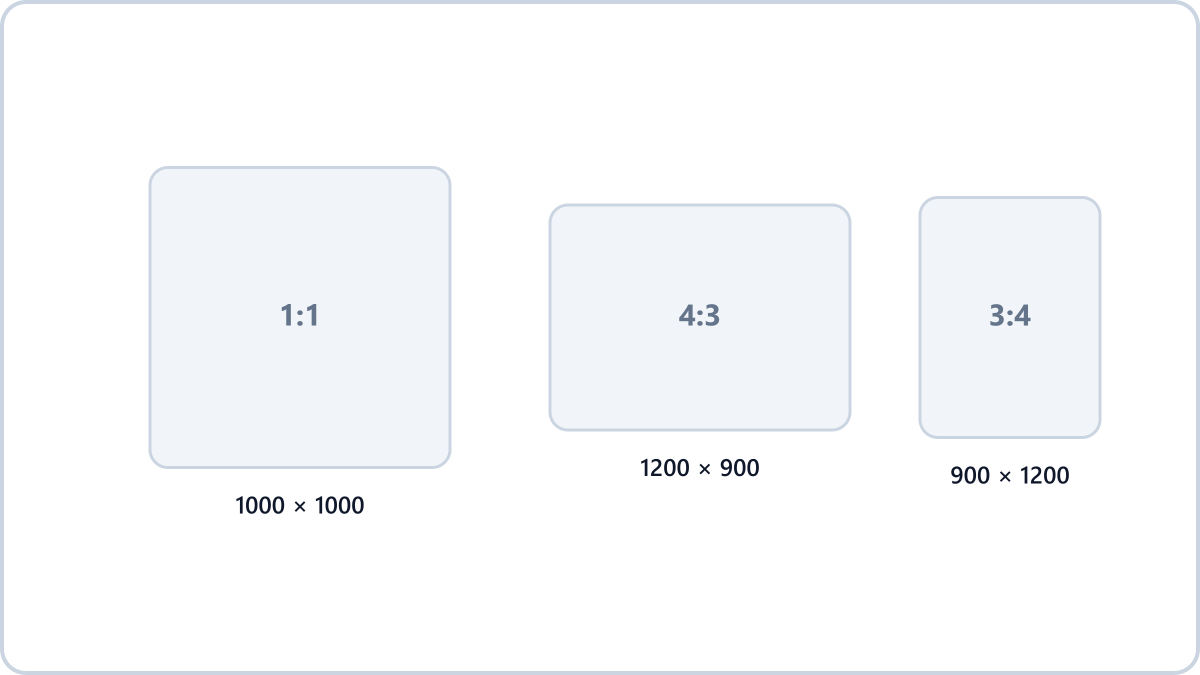
Main product image
- Amazon — 1600px on the longest side recommended, 1000px minimum for zoom
- Shopify and most storefronts — square 2048x2048 recommended
- Naver Smart Store — square 1000x1000 recommended (640x640 minimum)
- Coupang — square, 500x500 minimum, 1000x1000 recommended
- Universal rules — white background, product filling 80% or more of the frame
Product description images
Description sections usually display at somewhere between 860 and 1200px wide. Uploading a 4000px original buys you no visible quality and only slows the page down, so scaling to 860-1200px wide is about right.
Long vertical description pages have to be split across several images, and the lighter each one is, the fewer mobile visitors give up waiting.
Resize images by entering a width or height, scaling by percentage, or picking a social media preset. The format can stay exactly as it was.
Match your product photo sizesNo install, no signup · runs in your browser, so files are never sent to a server
File size and format
Use WebP if your storefront's editor accepts it, and JPG at quality 80-85 where it only takes JPG. Under 300KB for the main image and around 200KB per description image strikes a good balance between quality and speed.
Making many photos the same size
In the Image Converter NOW resize tool, set the size you want — 1000x1000, for instance — and convert a batch of photos at once to bring all your product shots to the same spec. Photos with a different aspect ratio are fitted inside the target while keeping their proportions, so nothing gets squashed.
Resize images by entering a width or height, scaling by percentage, or picking a social media preset. The format can stay exactly as it was.
Match your product photo sizesNo install, no signup · runs in your browser, so files are never sent to a server