A guide to optimizing blog and website images
Why image optimization matters
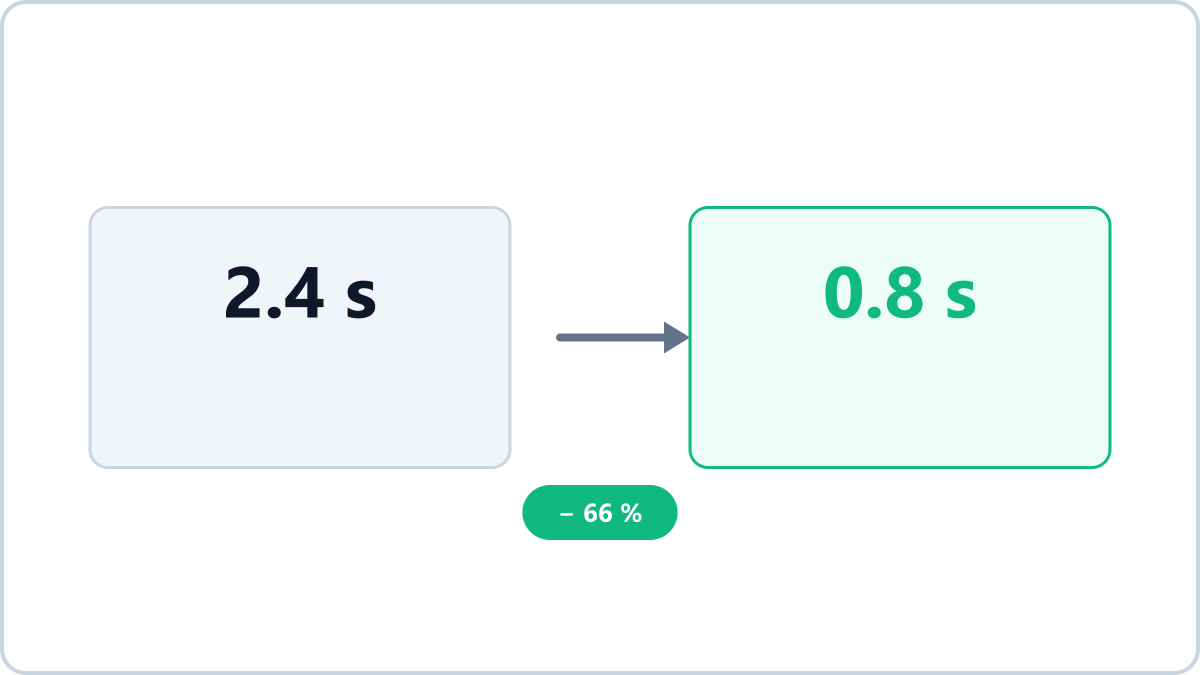
Images usually account for more than half of a web page's total weight. Heavy images mean slow loading, more visitors leaving, and a disadvantage in Google's rankings. The reverse is also true: tidying up your images alone makes a site feel noticeably faster.
Recommended dimensions
- In-article images — twice the display width is plenty (1600px for an 800px column)
- Featured/thumbnail images — 1200x630, the same as the social sharing preview size
- Product list thumbnails — match the actual display size (a 4000px original for a 500px slot is waste)
Convert JPG, PNG, WebP, HEIC and AVIF images into the format you need. Everything is processed in your browser, so files never leave your device.
Convert images in bulkNo install, no signup · runs in your browser, so files are never sent to a server
Default to WebP
Every current browser supports it and it is 30-80% lighter than JPG, which makes WebP the default choice for web images. Even transparent logos are worth uploading as WebP instead of PNG to save weight.
File size targets
Aim for 100-200KB per in-article image and under 300KB for a featured image. Image Converter NOW shows the size reduction after each conversion, so you can see immediately whether you hit the target.
Convert a whole post's images at once
Add all the images for one post, convert them with the same settings and download them as a ZIP — that removes most of the repetitive work. Metadata such as capture location is stripped during conversion as well.
Convert JPG, PNG, WebP, HEIC and AVIF images into the format you need. Everything is processed in your browser, so files never leave your device.
Convert images in bulkNo install, no signup · runs in your browser, so files are never sent to a server