3 ways to fix a WebP file that will not open
Why WebP files will not open
WebP is an image format Google created for delivering images over the web. At the same visual quality it is smaller than JPG, so most websites now serve their images as WebP — which is why so many images you save from the web turn out to be WebP files.
The trouble starts outside the browser. Older Windows photo viewers, older versions of Photoshop, some document editors and many upload systems still do not support WebP. Your file is not corrupted; the program simply does not recognise the format.
Fix 1 — Convert to JPG or PNG (the surest option)
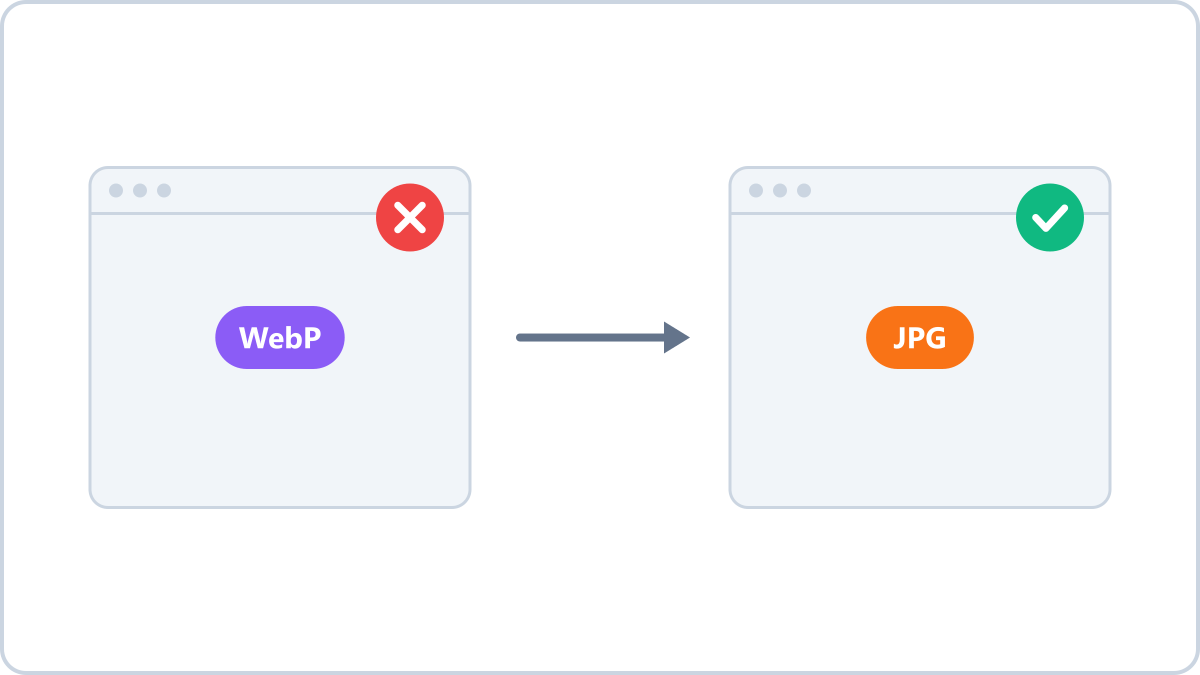
If the file has to open in some other program, changing the format is the most reliable answer. JPG opens in practically every program and on every device.
The Image Converter NOW WebP to JPG converter runs in your browser, so there is nothing to install and your file is never sent to a server. If the image has a transparent background, choose PNG as the output instead and the transparency is preserved.
Turn WebP files into JPG so they open in any program. Useful when a site or app refuses to accept WebP.
Convert WebP to JPGNo install, no signup · runs in your browser, so files are never sent to a server
Fix 2 — Open it in a browser (just to look at it)
If you only need to see the image, drag the file into a Chrome or Edge window. Every current browser can display WebP.
Fix 3 — Install the codec on Windows (if you handle these often)
On Windows 10 and 11, installing 'WebP Image Extensions' from the Microsoft Store lets the built-in Photos app open WebP files. Whether your editing software supports it is a separate matter and varies by program.
Which one should you pick
- You need to edit or upload it in another program → convert to JPG/PNG
- You just want to look at it → open it in a browser
- You work with WebP files regularly → install the codec
Turn WebP files into JPG so they open in any program. Useful when a site or app refuses to accept WebP.
Convert WebP to JPGNo install, no signup · runs in your browser, so files are never sent to a server