Why photos lose quality when you send them in a messaging app
Why messaging apps compress photos
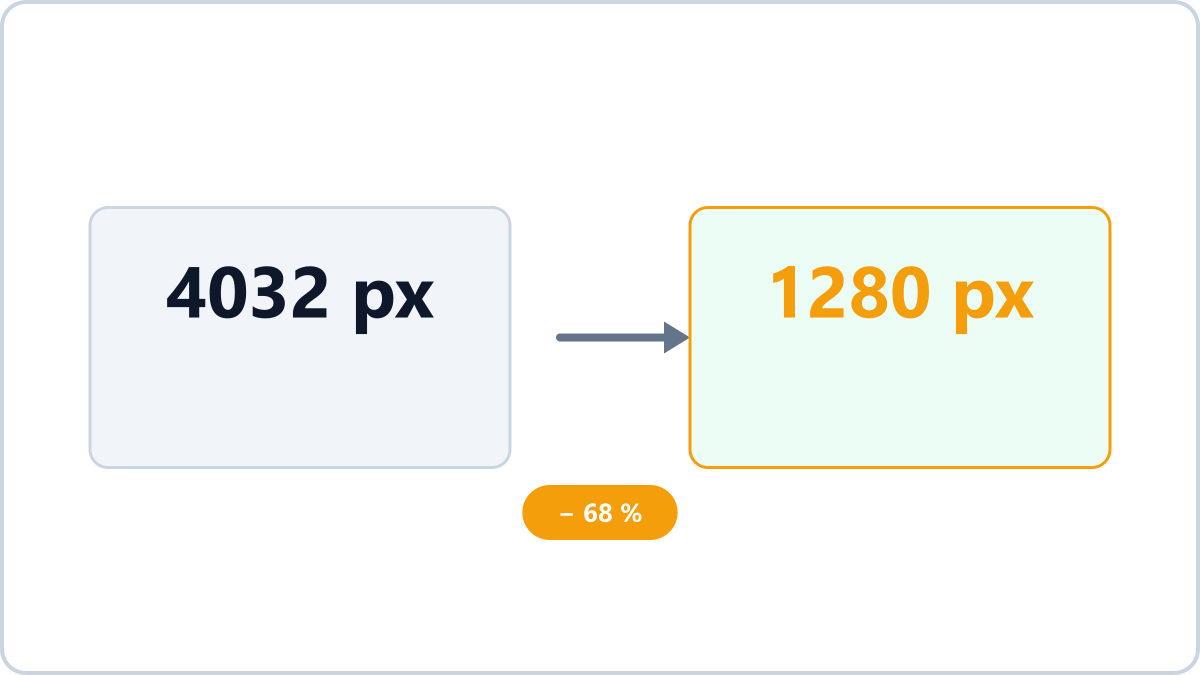
By default, apps such as KakaoTalk, WhatsApp and LINE reduce the resolution and compress heavily when you send a photo. It saves data and makes sending faster, but the result is smeared text and a blurry image when you zoom in.
The difference is most obvious in photos containing text — documents, business cards, receipts — and in anything where fine detail matters.
Fix 1 — Choose 'original' when sending
When you attach the photo, choose the original or high-quality option and it is sent without compression. Most apps also let you change the default in their settings, under the photo or media quality section.
Be aware of the trade-offs: original sends use far more data, and the capture location (GPS) stored in the photo can travel with it.
Keep the format and simply reduce file size by adjusting quality. Handy for email attachments and upload limits.
Optimize before you sendNo install, no signup · runs in your browser, so files are never sent to a server
Fix 2 — Send it as a file
Attaching the image as a file rather than as a photo passes the original through with no processing at all. This is especially handy on desktop versions of these apps.
Recommended — optimize to a sensible size before sending
If the original is too big and the app's compression is too harsh, the best answer is to shrink it yourself to a sensible level first. Converting at around quality 85 in Image Converter NOW cuts the size with almost no visible difference, and it strips the GPS data at the same time — which solves the privacy side of sending originals too.
Keep the format and simply reduce file size by adjusting quality. Handy for email attachments and upload limits.
Optimize before you sendNo install, no signup · runs in your browser, so files are never sent to a server