Renaming the extension is not converting
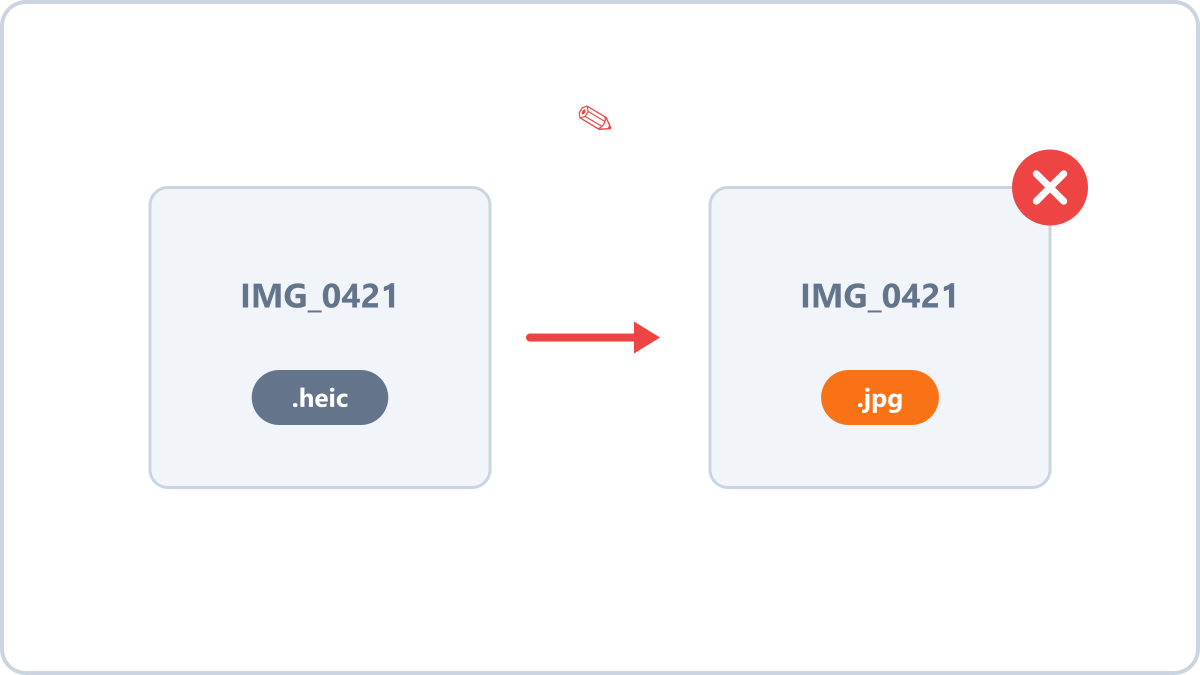
Renaming does not change the contents
The extension is only a label telling software what the file contains. Rename photo.webp to photo.jpg and the label says JPG while the contents are still WebP.
Some programs ignore the label, read the contents and open it anyway. Programs that trust the label will show it as a corrupted file or reject the upload — a common problem with government and marketplace upload systems.
Real conversion rebuilds the contents
Converting a format means decoding the image and re-encoding it according to the rules of the target format. Only then do the contents and the label match, and only then is the file genuinely valid.
Image Converter NOW inspects the actual contents of a file (its magic bytes), so if you add a file whose extension is wrong, it tells you that the extension does not match the real format.
Convert JPG, PNG, WebP, HEIC and AVIF images into the format you need. Everything is processed in your browser, so files never leave your device.
Convert the format properlyNo install, no signup · runs in your browser, so files are never sent to a server
If you received a file with the wrong extension
When a file you were sent behaves differently from what its extension claims, the cleanest fix is to add it to a converter, see what format it actually is, and convert it properly to the format you want.
Convert JPG, PNG, WebP, HEIC and AVIF images into the format you need. Everything is processed in your browser, so files never leave your device.
Convert the format properlyNo install, no signup · runs in your browser, so files are never sent to a server