How to copy text from an image without retyping it
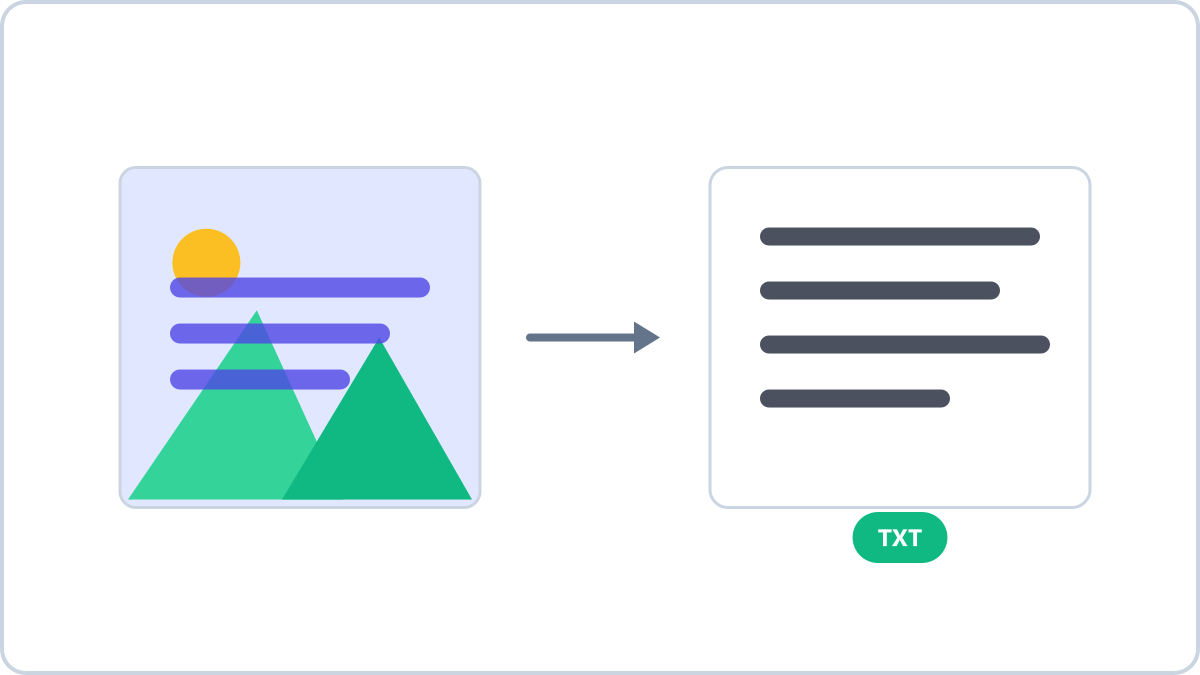
Why you can't copy the words in a photo
The letters are right there on screen, yet your mouse won't select them. That's because an image stores letters only as a grid of pixels. To your eyes it reads as text; to the computer it's just a picture, with no copyable text inside.
That's what OCR (optical character recognition) is for. It analyses the pixels, finds the letter shapes and turns them into real text you can copy, search and translate.
Extracting text right in your browser
Drop a photo onto Image Converter NOW's image-to-text tool and the text appears within seconds. You can copy it all with one click or save it as a TXT file.
Check the recognition language first. Each language uses its own recognition data, so a French document needs French selected to be read accurately. Mixed-in English is never a problem — English is always recognised alongside.
Your image is never uploaded. Recognition runs inside your browser, so even sensitive documents like contracts or IDs never leave your device.
Turn photos, scans and screenshots into copyable text. The OCR engine runs entirely inside your browser, so documents and IDs never leave your device.
Extract text from an imageNo install, no signup · runs in your browser, so files are never sent to a server
Tips for better accuracy
- Keep the text level — straighten tilted photos with the image rotator before extracting
- Bright, sharp photos read best — blurry or dark shots lower accuracy
- High contrast helps — black text on white paper is ideal
- Printed text is recognised far more reliably than handwriting
- Match the recognition language to the document's language
When it comes in handy
- Turning a photo of a book or document into text instead of retyping it
- Recording the details on receipts and business cards
- Copying error messages, code or addresses out of screenshots
- Extracting foreign-language notices to paste into a translator
Know the limits
OCR isn't magic. Handwriting, decorative fonts, and crumpled or low-resolution images can be misread. When confidence is low, the tool warns you that the result may contain mistakes.
For anything important, compare the extracted text against the original once. It's still far faster than typing it all out.
Turn photos, scans and screenshots into copyable text. The OCR engine runs entirely inside your browser, so documents and IDs never leave your device.
Extract text from an imageNo install, no signup · runs in your browser, so files are never sent to a server