How to join several photos into one image
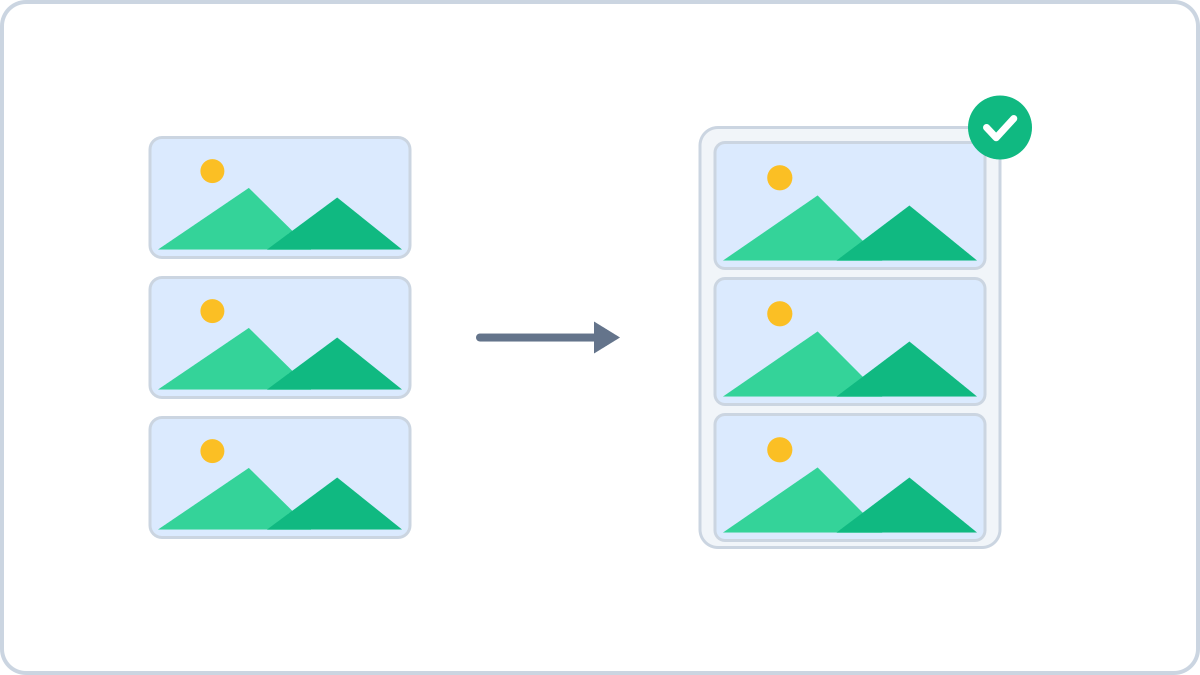
When one image beats five
Capturing a long chat or document leaves you with several screenshots. The person on the other end has to guess the order and swipe through them; joined into one image, it simply reads top to bottom.
Marketplace listings are the same. Posted separately, most people only ever see the first photo — put front, back and detail into one image and the condition comes across straight away.
The tricky part is photos of different sizes
Stacking vertically means the widths have to match, and phone photos and screenshots rarely agree. Enlarging the smaller one to fit the bigger one does not create detail that was not there — it only blurs.
So the join tool on Image Converter NOW does the opposite: everything is scaled down to the narrowest photo. Scaling down throws away information that already exists, which keeps the result crisp.
Put several photos together into a single image — stacked top to bottom or placed side by side. Set the order and the gap between them.
Start joining photosNo install, no signup · runs in your browser, so files are never sent to a server
Order and spacing change the result too
The order comes from the arrows in the list, not from file names. Screenshot filenames are often not in capture order, so moving them by eye is more reliable.
A gap of 8–32px between photos makes it clear where one ends and the next begins. Gaps are filled with white, and when none of the images has transparency the result is saved as a JPG, so the file stays light.
When this comes in handy
- Long screenshots — chats, order histories and documents stacked vertically
- Marketplace listings — front, back and close-ups of flaws in one image
- Before and after — renovation or retouching pairs placed side by side
- Social posts — several scenes in one image instead of a swipeable set
Put several photos together into a single image — stacked top to bottom or placed side by side. Set the order and the gap between them.
Start joining photosNo install, no signup · runs in your browser, so files are never sent to a server